Neural Net Nodes
A set of meticulously crafted icons representing key components and architectures within the world of deep learning. These icons are designed with a modern, minimalist aesthetic suitable for illustrating complex neural networks in diagrams, presentations, and educational materials.
Neural Net Nodes
Welcome to the Neural Net Nodes icon pack! This collection provides a visual vocabulary for representing deep learning concepts clearly and aesthetically. Use these icons to enhance your diagrams, presentations, and user interfaces related to artificial intelligence and machine learning.
Icons in this pack
- Neuron: A single neuron within a neural network.
- Layer: A layer of neurons in a neural network.
- Input Layer: The input layer of a neural network.
- Output Layer: The output layer of a neural network.
- Hidden Layer: A hidden layer within a neural network.
- Convolutional Layer: A convolutional layer.
- Recurrent Layer: A recurrent layer.
- Activation Function: An activation function.
- Loss Function: A loss function.

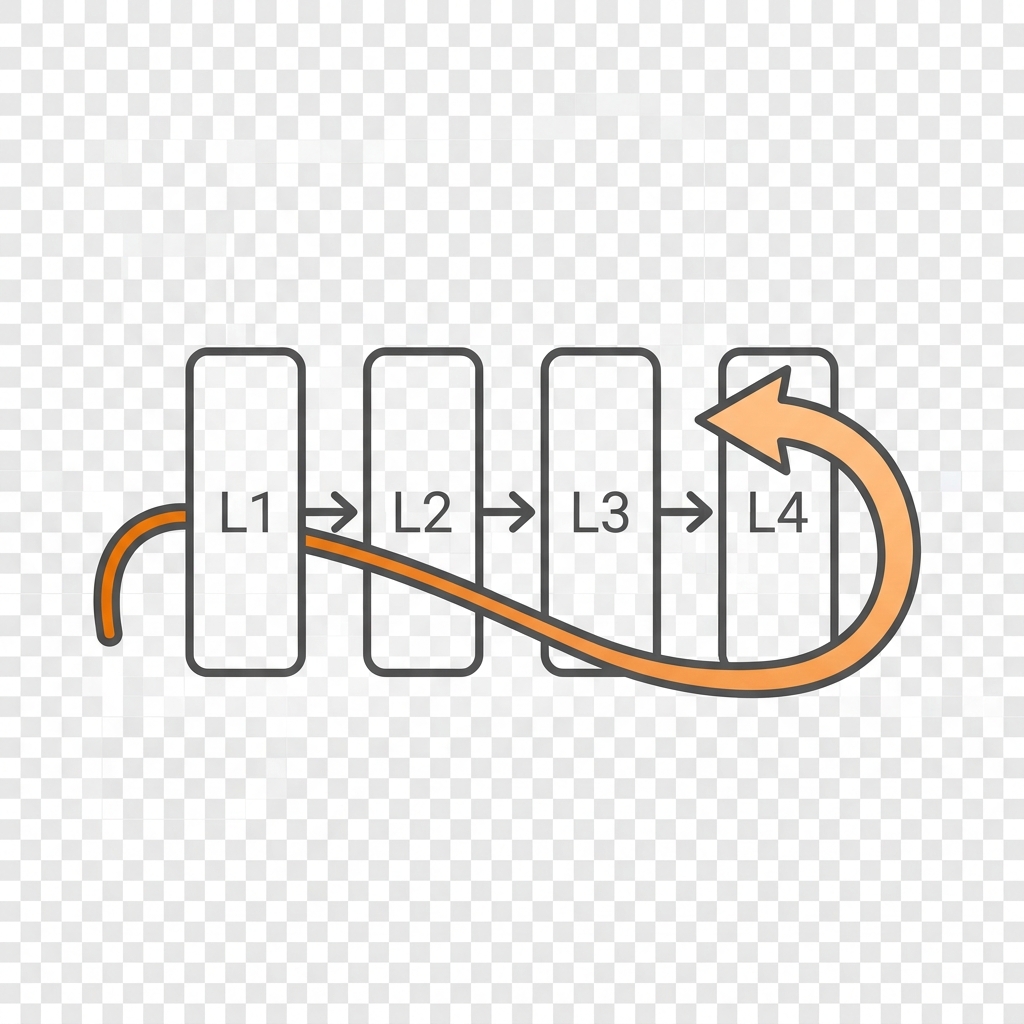
- Backpropagation: The process of backpropagation.
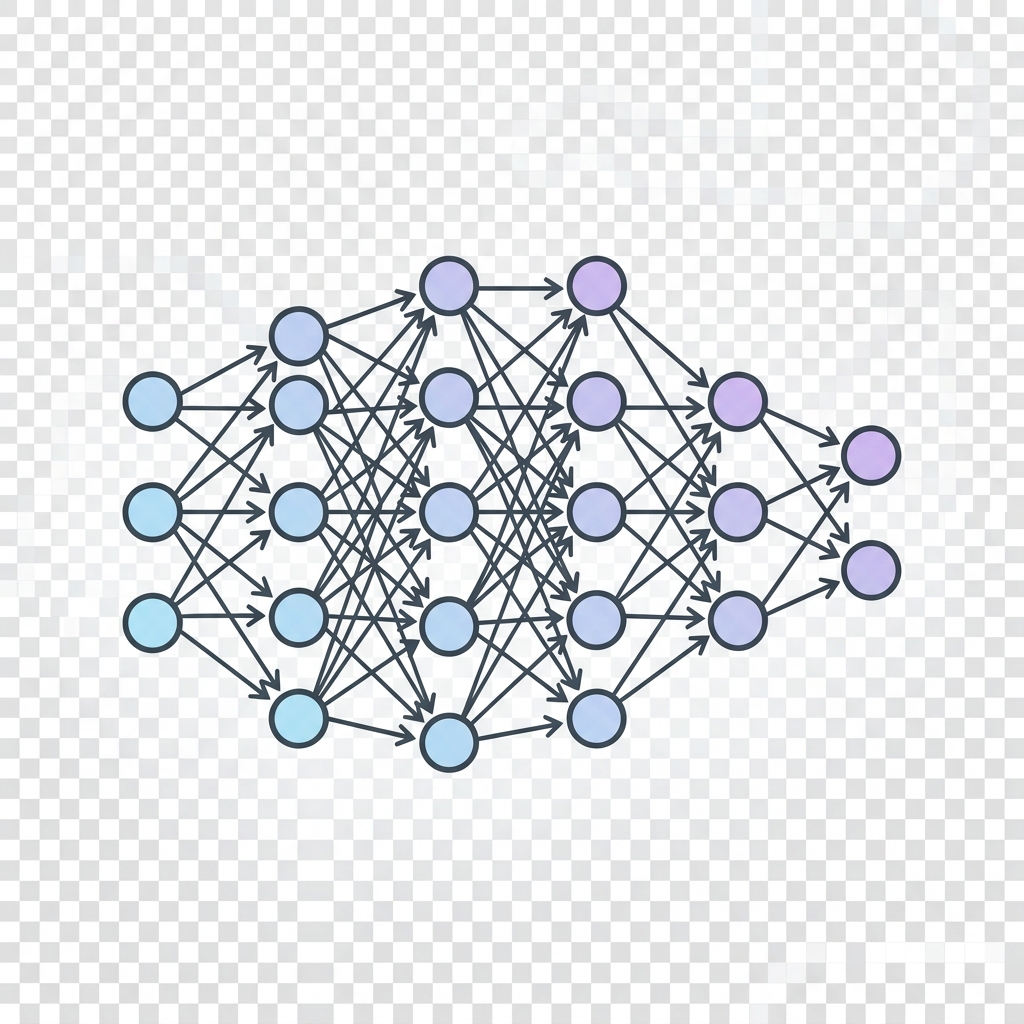
- Deep Neural Network: A deep neural network.
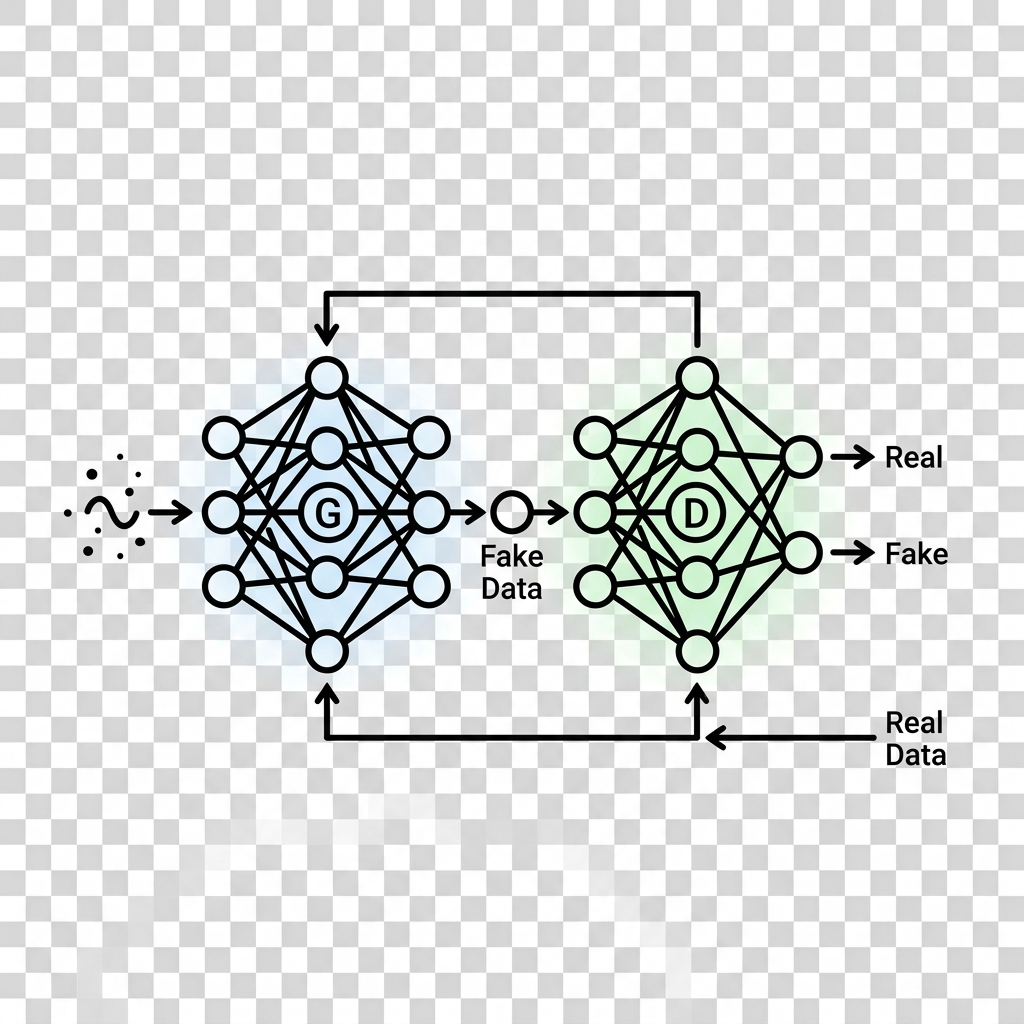
- Generative Adversarial Network: A Generative Adversarial Network (GAN).
Prompt
Generation Prompts
- System Model: Gemini 2.0 Flash
- Image Model: Imagen 3 / Gemini 3.1 Flash Image
Pack Prompt
You are an expert icon designer and creative director. Your task is to conceptualize a cohesive icon pack based on the theme: Deep Learning Architecture Diagram Icons.
The pack should contain 12 distinct icons that would be useful for web design, app interfaces, or OS customization.
Return a JSON object with:
- "title": A catchy name for the icon pack.
- "slug": A kebab-case slug for the pack.
- "description": A 2-3 sentence description of the pack's style and use case.
- "introduction": A short introductory text for the pack's documentation.
- "metadata": { "style": "The overall visual style (e.g., Glassmorphism, Pixel Art)", "keywords": ["list", "of", "5", "keywords"] }
- "icons": A list of 12 objects, each with:
- "name": Name of the icon (e.g., "Home", "Settings", "User").
- "concept": A brief description of what the icon represents.
- "image_prompt": A highly detailed, professional prompt for an image generation model to create a single, high-quality icon. The prompt should specify a transparent or solid background (e.g., "on a solid white background"), centered composition, and consistent style.
- "caption": A short notification caption (e.g., "A set of 12 glassmorphic web icons for modern UI.")
Ensure the "image_prompt" for each icon is consistent with the overall style.
Individual Icon Prompts
Neuron
Create a minimalist line art icon of a single circle with a smaller circle inside representing the nucleus, connected to lines representing dendrites and axons. The circle and lines are filled with a subtle gradient from light blue to light purple. Centered on a transparent background.
Layer
Create a minimalist line art icon of a stack of three circles, each slightly offset from the other, representing a layer of neurons. Fill the circles with a subtle gradient from light blue to light purple. Centered on a transparent background.
Input Layer
Create a minimalist line art icon representing the input layer, depicting a series of connected squares leading into a layer of circles. Fill the squares with a subtle gradient from light green to light blue, and the circles with a subtle gradient from light blue to light purple. Centered on a transparent background.
Output Layer
Create a minimalist line art icon representing the output layer, depicting a layer of circles leading into a single larger circle. Fill the circles with a subtle gradient from light blue to light purple, and the larger circle with a subtle gradient from light purple to light orange. Centered on a transparent background.
Hidden Layer
Create a minimalist line art icon of multiple stacked, slightly overlapping layers represented by three parallel lines, with a subtle dotted line effect. Fill the lines with a subtle gradient from light blue to light purple. Centered on a transparent background.
Convolutional Layer
Create a minimalist line art icon representing a convolutional layer, depicting a square grid with a smaller square moving across it. Fill the shapes with a subtle gradient from light blue to light purple. Centered on a transparent background.
Recurrent Layer
Create a minimalist line art icon representing a recurrent layer, depicting a circle with an arrow looping back into itself. Fill the circle and arrow with a subtle gradient from light blue to light purple. Centered on a transparent background.
Activation Function
Create a minimalist line art icon representing an activation function, depicting a curved line graph within a rectangular frame. Fill the shape with a subtle gradient from light blue to light purple. Centered on a transparent background.
Loss Function
Create a minimalist line art icon representing a loss function, depicting a decreasing line graph within a rectangular frame. Fill the shape with a subtle gradient from light red to dark red. Centered on a transparent background.
Backpropagation
Create a minimalist line art icon representing backpropagation, depicting an arrow pointing backwards through a series of connected layers. Fill the arrow with a subtle gradient from light orange to dark orange. Centered on a transparent background.
Deep Neural Network
Create a minimalist line art icon representing a deep neural network, depicting multiple stacked layers connected by arrows. Fill the shapes with a subtle gradient from light blue to light purple. Centered on a transparent background.
Generative Adversarial Network
Create a minimalist line art icon representing a GAN, depicting two networks facing each other, one generating and one discriminating. Fill the shapes with a subtle gradient, using light blue for the generator and light green for the discriminator. Centered on a transparent background.
More from Icon Packs