NeonPulse UI
Illuminate your interface with NeonPulse UI, a collection of vibrant, glowing web elements. These icons feature a sleek, modern design with an electric neon aesthetic, perfect for adding a touch of futuristic flair to any project.
NeonPulse UI
Welcome to the NeonPulse UI icon pack! This set provides a range of essential interface elements rendered in a striking neon glow style. Use these icons to create visually engaging and contemporary digital experiences.
Icons in this pack
- Home: Represents the main landing page or dashboard.
- Settings: Represents configuration options and preferences.
- User: Represents a user profile or account.
- Search: Represents a search function or feature.
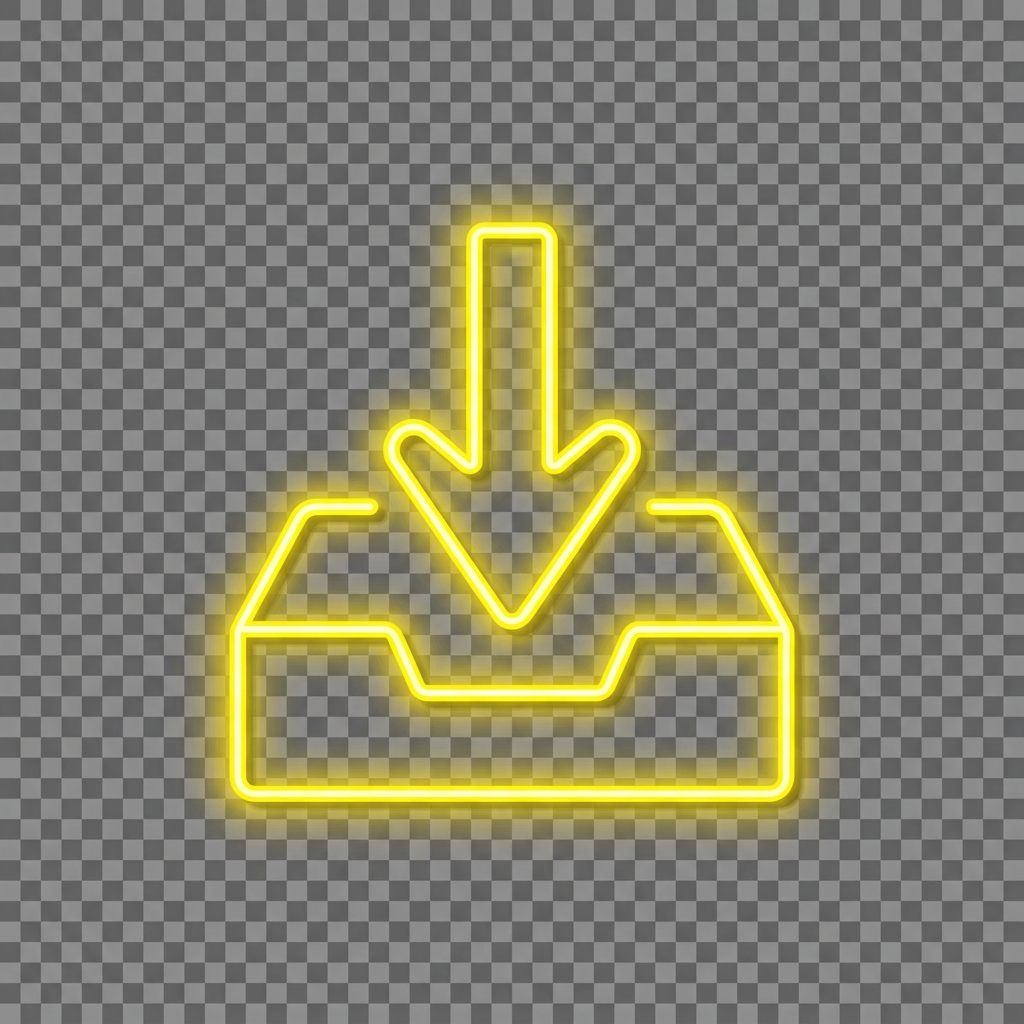
- Download: Represents the action of downloading a file.
- Upload: Represents the action of uploading a file.
- Notifications: Represents alerts and notifications.

- Menu: Represents a navigation menu.
- Edit: Represents the action of editing content.
- Trash: Represents the action of deleting an item.
- Plus: Represents adding new content.
- Minus: Represents removing or subtracting content.
Prompt
Generation Prompts
- System Model: Gemini 2.0 Flash
- Image Model: Imagen 3 / Gemini 3.1 Flash Image
Pack Prompt
You are an expert icon designer and creative director. Your task is to conceptualize a cohesive icon pack based on the theme: Electric Neon Glow Web Elements.
The pack should contain 12 distinct icons that would be useful for web design, app interfaces, or OS customization.
Return a JSON object with:
- "title": A catchy name for the icon pack.
- "slug": A kebab-case slug for the pack.
- "description": A 2-3 sentence description of the pack's style and use case.
- "introduction": A short introductory text for the pack's documentation.
- "metadata": { "style": "The overall visual style (e.g., Glassmorphism, Pixel Art)", "keywords": ["list", "of", "5", "keywords"] }
- "icons": A list of 12 objects, each with:
- "name": Name of the icon (e.g., "Home", "Settings", "User").
- "concept": A brief description of what the icon represents.
- "image_prompt": A highly detailed, professional prompt for an image generation model to create a single, high-quality icon. The prompt should specify a transparent or solid background (e.g., "on a solid white background"), centered composition, and consistent style.
- "caption": A short notification caption (e.g., "A set of 12 glassmorphic web icons for modern UI.")
Ensure the "image_prompt" for each icon is consistent with the overall style.
Individual Icon Prompts
Home
Create a neon icon of a simple house shape, outlined with bright electric blue and a soft, glowing aura. The icon should be centered on a transparent background, with a clean, minimalist design. The lines should be thick and consistent, giving a sense of digital vibrancy.
Settings
Create a neon icon of a gear or cogwheel, outlined with bright electric purple and a soft, glowing aura. The icon should be centered on a transparent background, with a clean, minimalist design. The gear teeth should be clearly defined and evenly spaced, giving a sense of mechanical precision.
User
Create a neon icon of a human silhouette, outlined with bright electric green and a soft, glowing aura. The icon should be centered on a transparent background, with a clean, minimalist design. The silhouette should be simple and recognizable, representing a generic user.
Search
Create a neon icon of a magnifying glass, outlined with bright electric red and a soft, glowing aura. The icon should be centered on a transparent background, with a clean, minimalist design. The magnifying glass should have a distinct handle and lens, giving a sense of investigation.
Download
Create a neon icon of an arrow pointing downwards into a tray, outlined with bright electric yellow and a soft, glowing aura. The icon should be centered on a transparent background, with a clean, minimalist design. The arrow should be clear and the tray well-defined.
Upload
Create a neon icon of an arrow pointing upwards out of a tray, outlined with bright electric cyan and a soft, glowing aura. The icon should be centered on a transparent background, with a clean, minimalist design. The arrow should be clear and the tray well-defined.
Notifications
Create a neon icon of a bell with a small dot indicating new notifications, outlined with bright electric orange and a soft, glowing aura. The icon should be centered on a transparent background, with a clean, minimalist design. The dot should be placed in the upper right corner of the bell.
Menu
Create a neon icon of three horizontal lines stacked on top of each other, outlined with bright electric magenta and a soft, glowing aura. The icon should be centered on a transparent background, with a clean, minimalist design. The lines should be evenly spaced and of equal length.
Edit
Create a neon icon of a pencil, outlined with bright electric white and a soft, glowing aura. The icon should be centered on a transparent background, with a clean, minimalist design. The pencil should be angled slightly diagonally.
Trash
Create a neon icon of a trash can, outlined with bright electric red-orange and a soft, glowing aura. The icon should be centered on a transparent background, with a clean, minimalist design. The trash can should be easily recognizable.
Plus
Create a neon icon of a plus sign, outlined with bright electric yellow-green and a soft, glowing aura. The icon should be centered on a transparent background, with a clean, minimalist design. The lines should be thick and evenly proportioned.
Minus
Create a neon icon of a minus sign, outlined with bright electric blue-purple and a soft, glowing aura. The icon should be centered on a transparent background, with a clean, minimalist design. The line should be thick and centered horizontally.
More from Icon Packs